Before you delete the room, please move the device to another room.
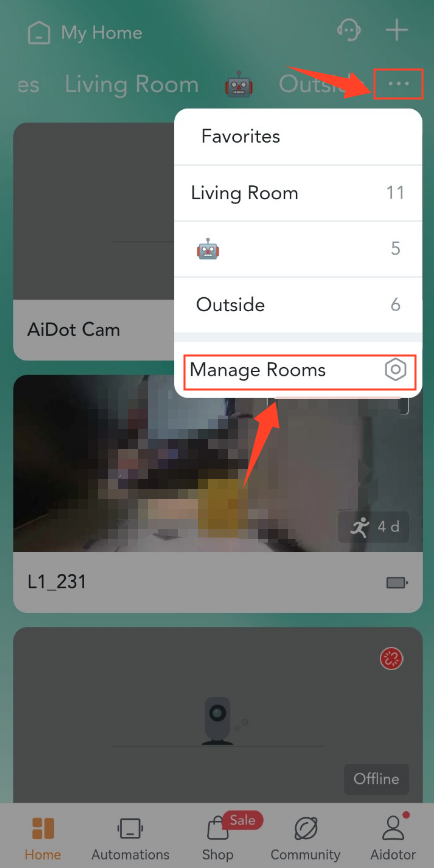
1. On the Home page, tap the setting icon on the top right>Manage Rooms.
3. Choose the room you want to delete>Delete Room.
Before you delete the room, please move the device to another room.
1. On the Home page, tap the setting icon on the top right>Manage Rooms.
3. Choose the room you want to delete>Delete Room.